Adding dynamic text
I was looking for a way to display text in three.js directly without having to import png's of the text. I found that three.js has a few ways to do this but these all require quite a bit of initial setup and/or do not support all the features I wanted. I found a package called Troika which had support for multiple fonts and did all the work behind the scenes which meant 0 setup time for me. Since I was already using Skypack to load the three.js package, I just added Troika to the mix. I could easily just create a new Text object which could be treated as a normal three.js object. I positioned it and gave it some text and color.
See the documentation for more info
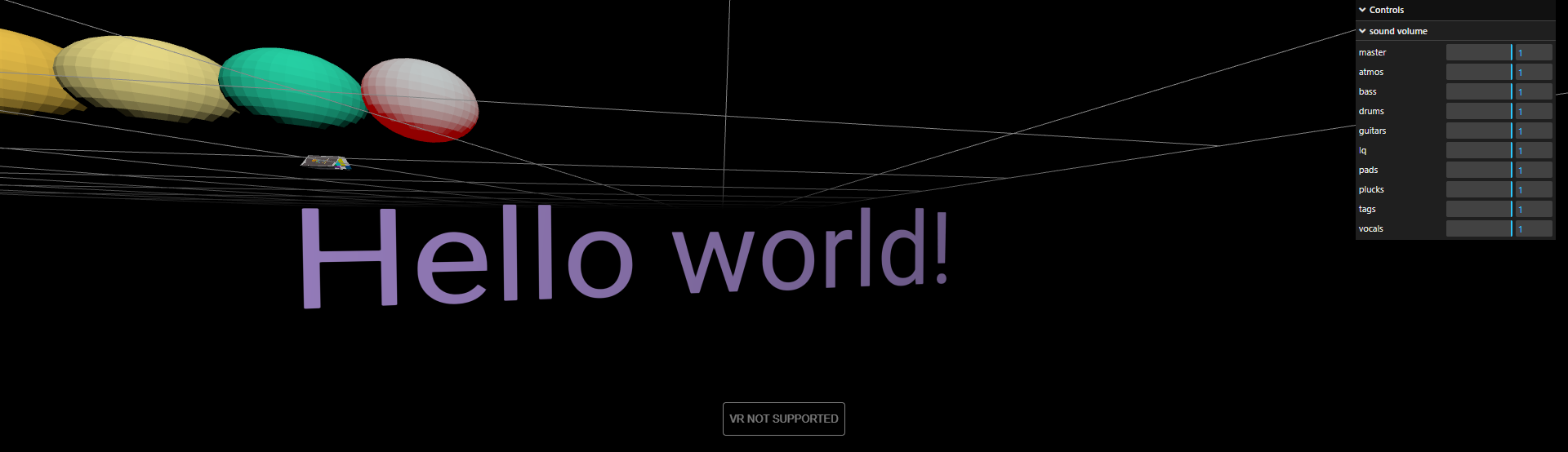
Troika has a text.sync() method which syncs changes to the object immediately. This can be used to update text but this should also automatically happen on each frame. This is just slightly faster.
So now I had correctly positioned and colored text which updated and was synced to the song. This is how I'm going to display the lyrics.
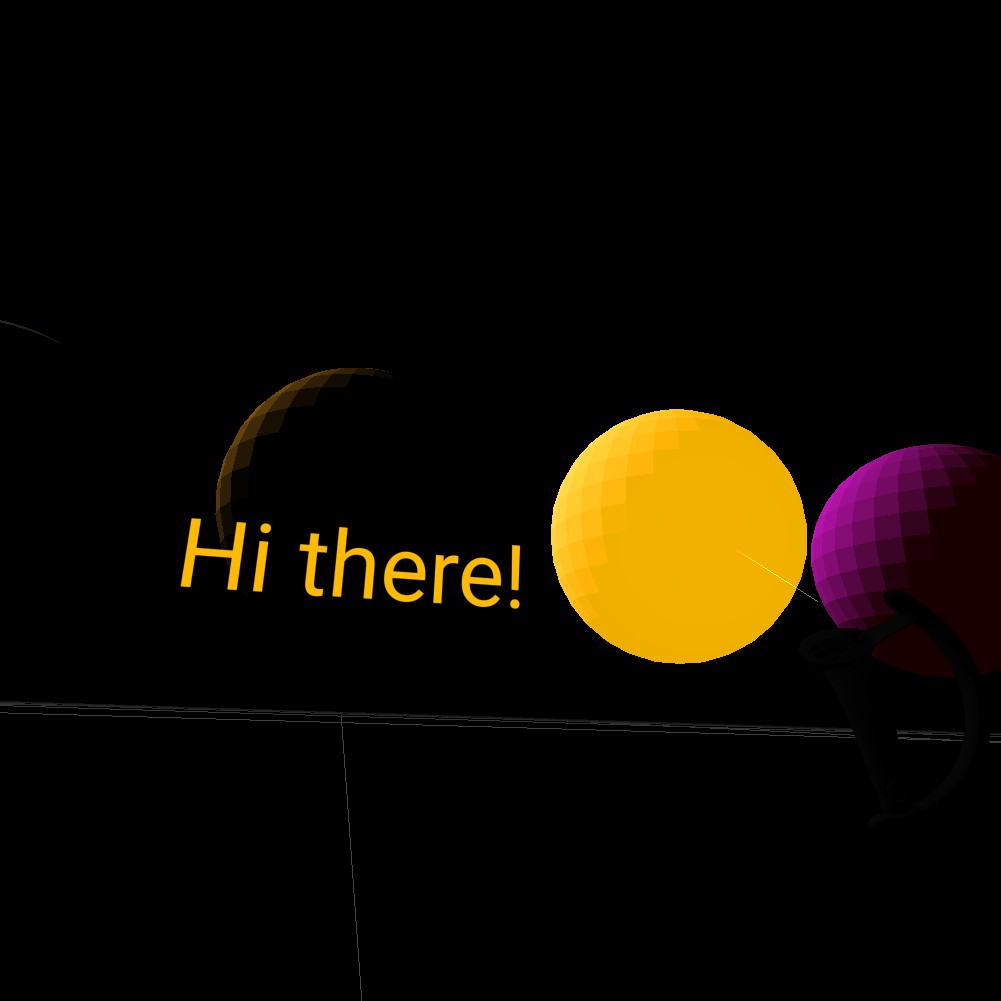
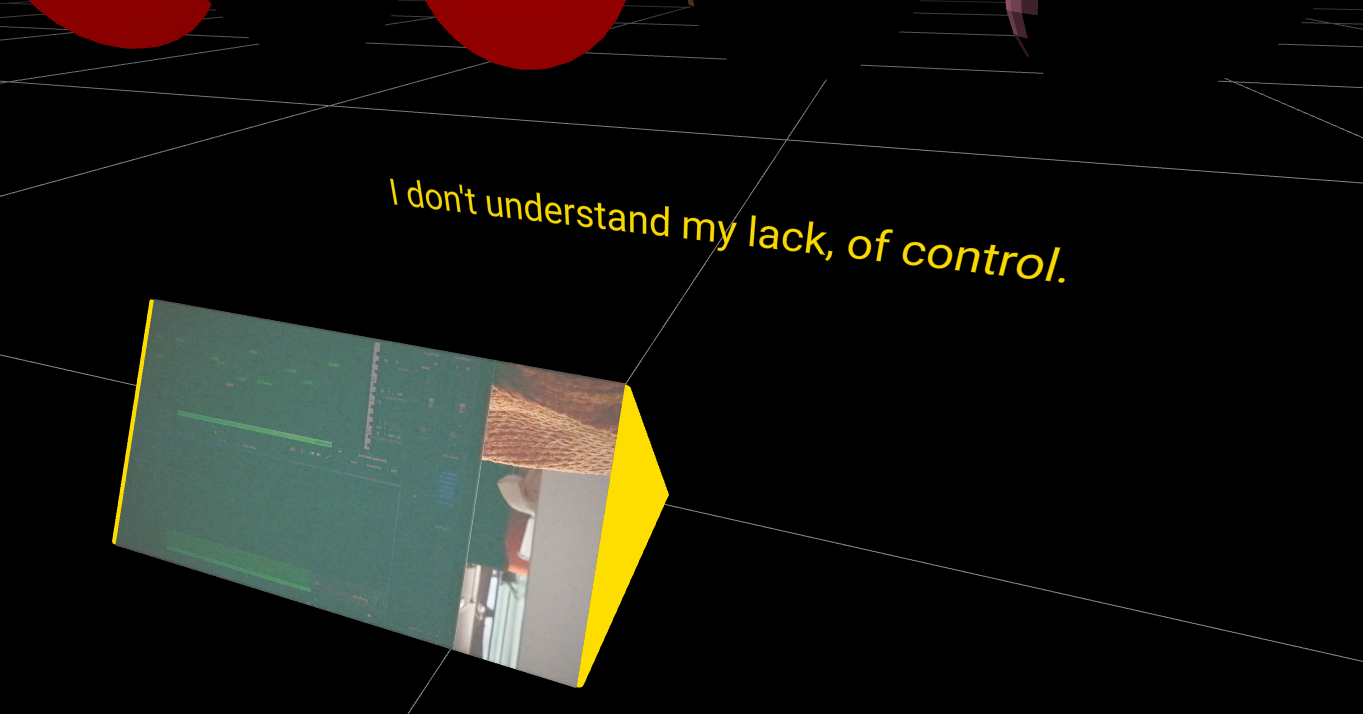
I also want to label the stems by adding some text above them.
I feel confident in my abilities to work with three.js now. I feel like I have gotten all the building blocks down and am now able ot combine them into whatever I want. Next up is the design and environment, keep a look out.
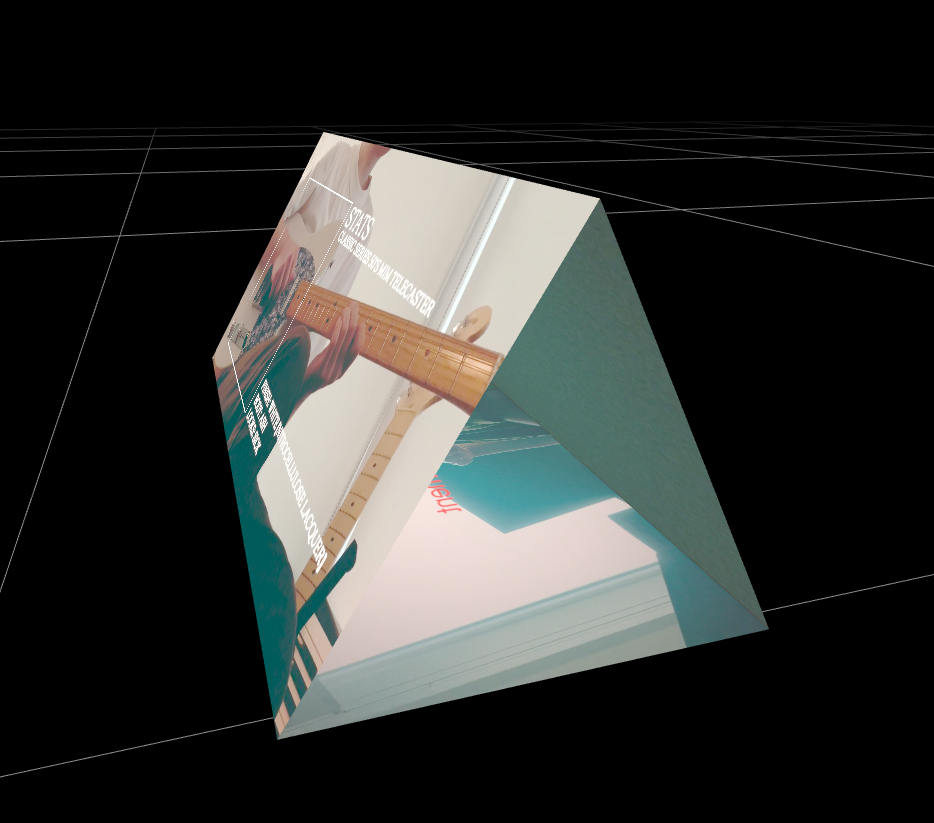
Together with the video 'pyramid' I think this will be a fun way to explore the album in vr. I managed to align the videos perfectly and added triangles on the edges to cap it off.